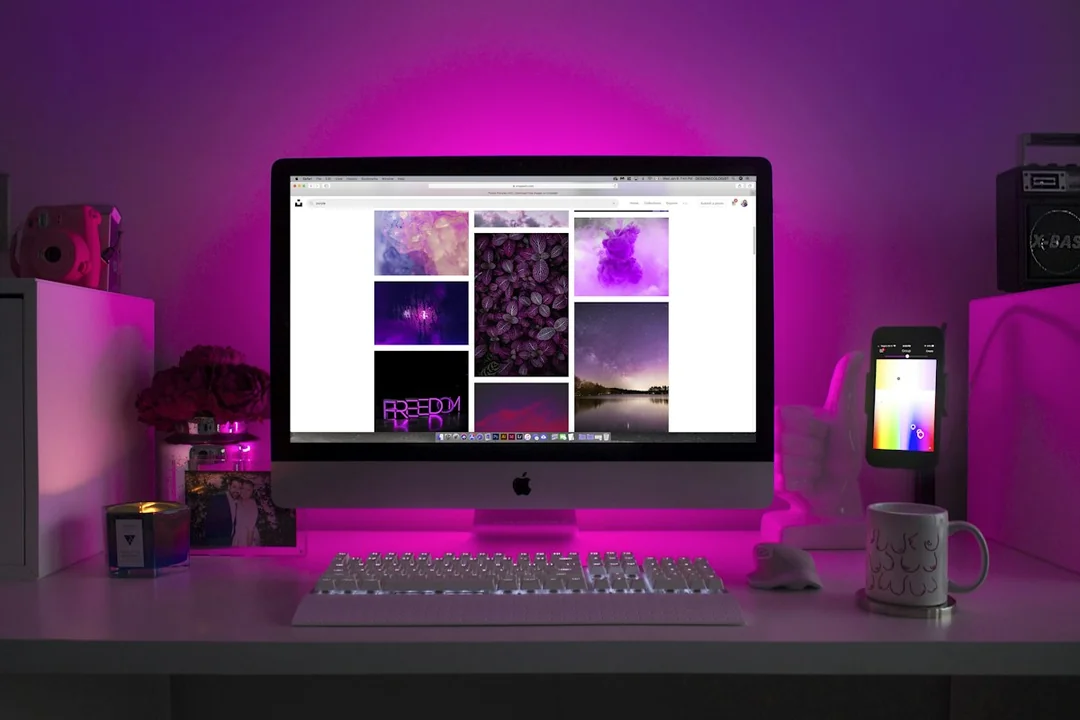
Portrait orientation can make a long page or code listing easier to follow, but it can make wide material harder to use. Choose it from the content's shape and the task's navigation needs. A screen capable of turning vertically is not automatically more productive when rotated; the practical question is whether the new view reduces unnecessary scrolling without sacrificing readability.
Try representative material at a readable size
Open the actual kind of document, reference sheet or editor used during work. Compare a section in landscape and portrait at readable text sizes. A full page visible in portrait can still be too small to read, while a zoomed page may provide less useful context than expected. Judge the working view, not only a thumbnail of the complete page.
Look for wide tables, long unwrapped lines and horizontal toolbars. These may require frequent sideways movement in portrait. If a reference contains mixed formats, consider whether a narrower window on a landscape screen already provides the useful reading width without a physical rotation. Window organization can sometimes solve the task more simply.
Confirm the stand or mount supports the intended orientation and clearance. The screen may need a particular handling sequence to avoid striking the desk. Check cable movement through rotation and follow the model's requirements. A software portrait option does not prove the hardware can safely occupy that position.
Evaluate the whole two-screen relationship
Place the portrait reference where it can be consulted comfortably from the working position. Its height and viewing angle may differ from the primary display. Avoid setting a fixed top-edge rule that ignores the person's actual line of sight and the material they need to read. Useful placement follows the task and individual needs.
Adjust the operating-system orientation and logical arrangement, then test pointer transitions. Different display shapes can create unmatched edges where the pointer does not cross as expected. Make the shared boundary predictable without compromising readable scaling merely to make the settings diagram look geometrically tidy.
Try the configuration over an ordinary session. Count the types of navigation it adds or removes: vertical scrolling, horizontal scrolling, repeated zooming and movement between windows. A portrait layout should earn its place through the task rather than remain fixed because it looks distinctive in a desk photograph.
Keep the return to landscape straightforward if projects change. Record the supported orientation, modes and any application layout that depends on it. The best arrangement is adaptable: a portrait reference can be valuable for long structured content, while wide comparison work may favor landscape. Neither orientation needs to become a permanent rule for every kind of material displayed on that monitor.