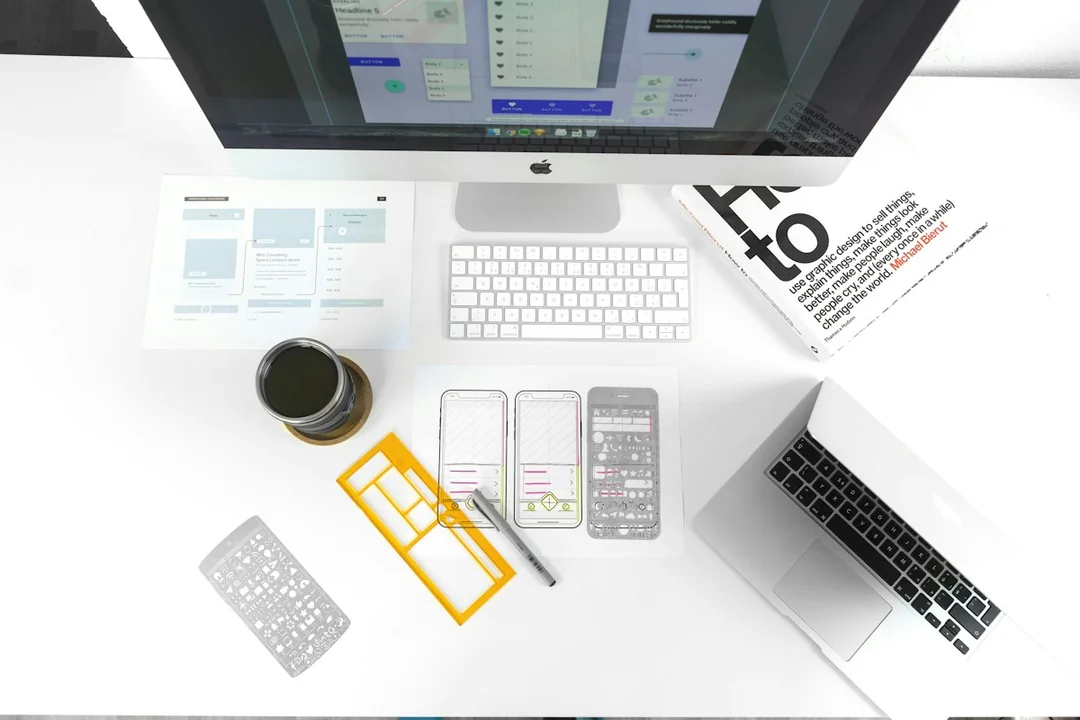
A second screen is most useful when it supports the main task rather than dividing attention equally by default. Put the work requiring sustained reading, editing or decision making in a central usable position. Place references where they remain accessible without forcing repeated large head turns for the dominant activity.
Observe the task before assigning screens
Work through a representative period and note which material receives continuous attention and which is consulted occasionally. A document editor and reference browser may need different roles from two equally active documents. Do not assume the application with the most notifications deserves the most prominent position merely because it repeatedly asks for attention.
Place the primary material on the screen that can be viewed comfortably from the ordinary working position. The correct central position depends on the person, desk and equipment, so avoid a universal distance or angle presented without context. Input devices and chair approach should support the same task rather than pulling the user away from the screen's useful viewing position.
Put supporting material on the other display with readable text and a clear window arrangement. A reference that is too small to read may cause leaning and repeated zoom changes. More visible content is not necessarily more usable content. Keep the information needed for the next decision accessible instead of filling every available pixel.
Review how often roles change
Some tasks genuinely alternate between two equally important sources. In that case, a balanced physical arrangement and matching readability may serve better than a permanent primary–secondary hierarchy. The useful decision follows the activity, not a rule that one display must always dominate every kind of work.
Check whether communication windows interrupt the task merely because they are always visible. Move or minimize them when they do not support the current activity, and use an appropriate review schedule where the role permits it. A second monitor can increase access to information without requiring every stream of information to remain in the user's attention continuously.
Test the arrangement during an ordinary session and notice unnecessary turns, searching and window switching. If the same reference becomes central for a different project, rearrange the workflow. A setup that once served writing may need another layout for a video meeting or spreadsheet reconciliation.
Keep a simple default layout that can be recreated without lengthy organization. Record which task belongs where and why, rather than declaring one monitor inherently primary because it is larger or newer. The value of the second screen comes from a clear relationship between sustained work and supporting information, with position and readability evaluated together.